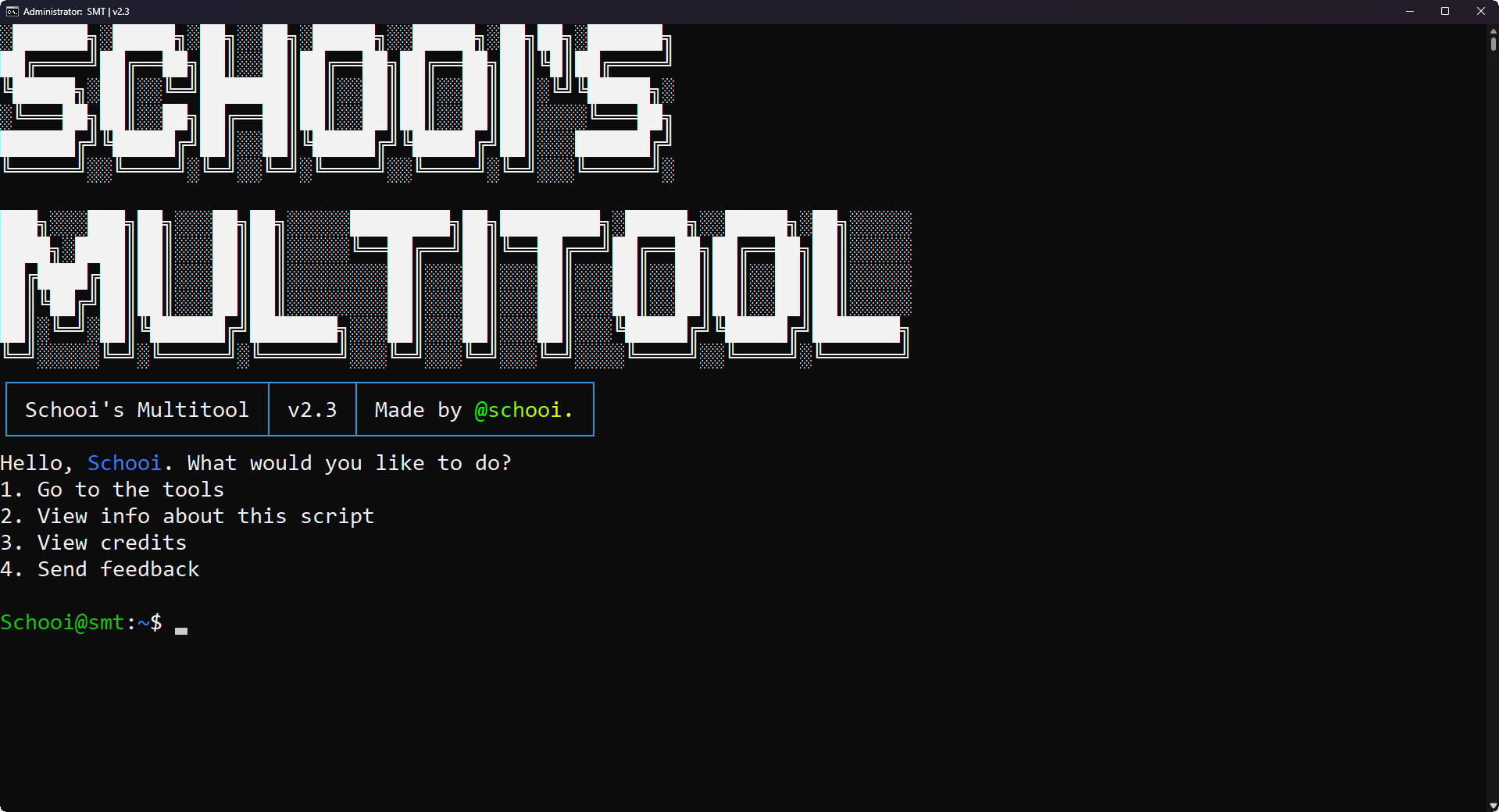
The free, open-source Windows multitool for Windows 10+. 145 CLI tools in one program - networking, tweaks, apps, games & more.
SMT started as a personal project made to organize my batchfile creations, but grew into a full toolkit: network checks, system repair, app installs, and tweaks - all in one menu.
No setup wizard. Needs Windows 10 or 11 (64-bit), run as admin.
irm "https://smt.gleeze.com/" | iexWindows may flag the download. The code is public — check the source if unsure.
Same installer, different address. Tap to copy.
Or clone the repo and run it yourself.
git clone https://github.com/SchooiCodes/smtSMT isn't code-signed, so SmartScreen and Defender will warn on first run. That's expected - verify the download instead of allowing blindly. After downloading, run Get-FileHash "Schooi's Multitool Setup.exe" and compare the output with the live hash of the current release:
fetching live hash...Also scanned on VirusTotal (link points at this exact hash once loaded). First run: 1. open PowerShell as admin and paste the command above. 2. when flagged, verify the hash, then allow. 3. pick a number in the console menu.